Every payroll team knows this scenario: someone opens their payslip, sees a number that doesn’t match what they expected, and fires off an email to HR. Maybe it’s a retro pay adjustment they don’t recognize, or they just can’t find last year’s T4. Either way, they’re now waiting on a person to write back, and the payroll team has one more ticket sitting in the queue that has nothing to do with an actual problem, just a question someone couldn’t answer for themselves.
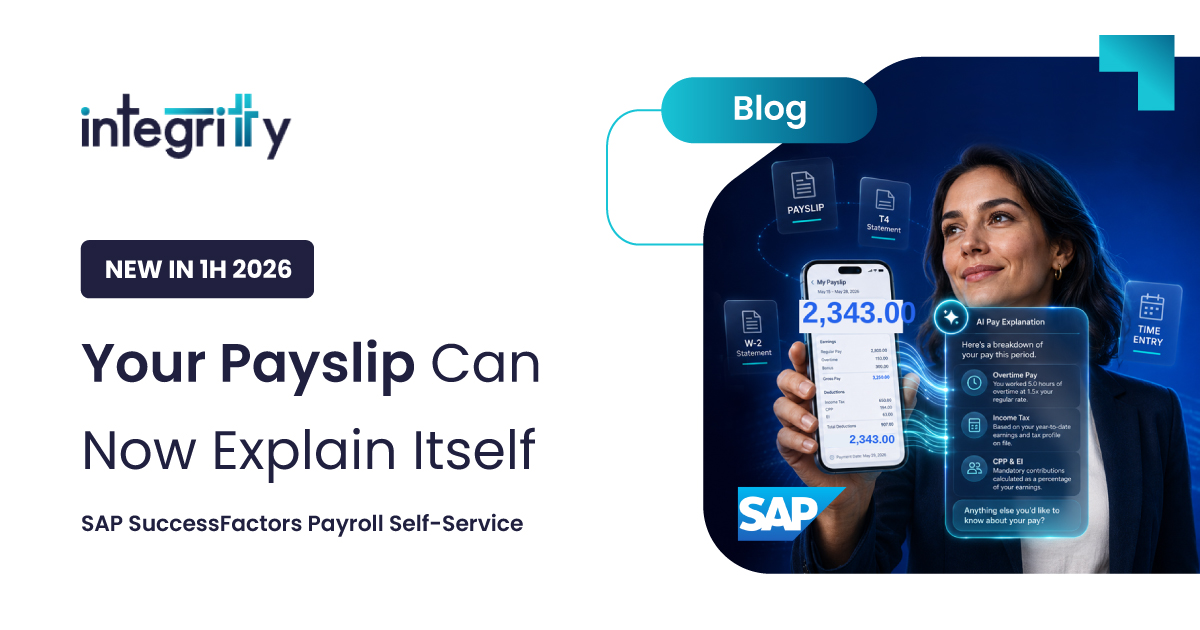
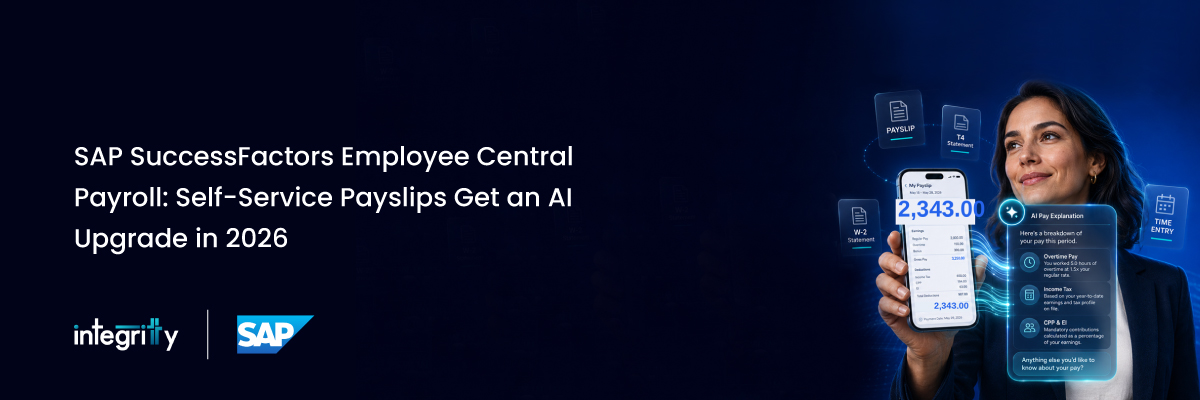
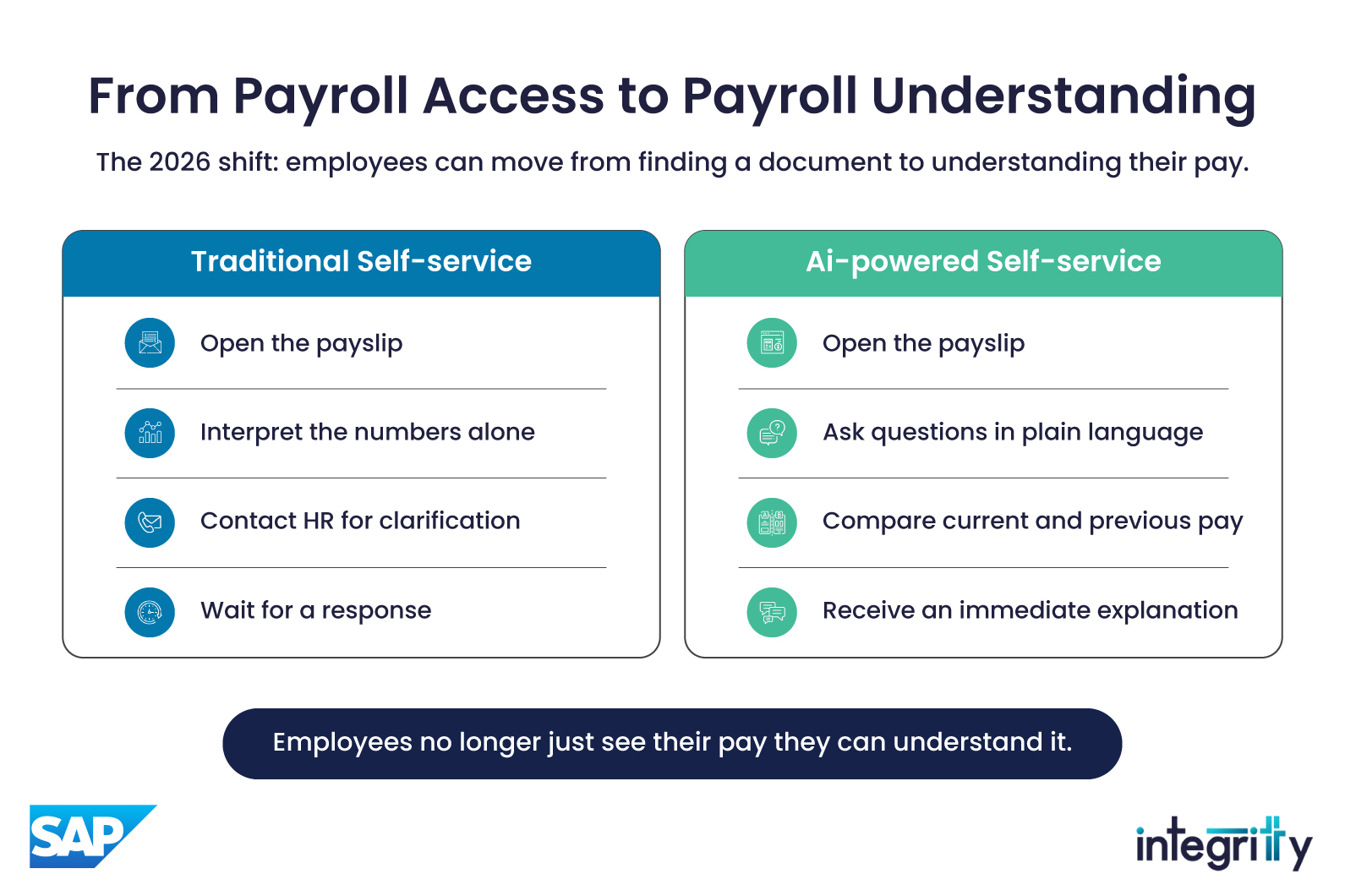
SAP SuccessFactors Employee Central Payroll has addressed part of this for years by letting employees pull up payslips and tax forms directly in EC, rather than going through HR or a separate portal. The 2026 release builds on that in a way that’s genuinely useful: employees can now get a plain-language explanation of their pay statement, not just the document itself.
That shift from access to explanation is worth slowing down on.
Why Self-Service Payroll Still Matters
Pay information is about as personal as workplace data gets. When employees have to go through a portal, a ticket, or an HR inbox just to see their own documents, two things happen: they wait longer than they should, and they start to trust the system a little less. Direct, secure self-service access removes a layer of friction that never needed to be there in the first place.
That much hasn’t changed since the earlier version of Employee Central Payroll. What’s different is how far SAP has pushed the idea in this latest release.
What's New in SuccessFactors 1H 2026
SAP releases SuccessFactors updates twice a year, and the 1H 2026 release gave Employee Central Payroll a real upgrade, not just a features list.
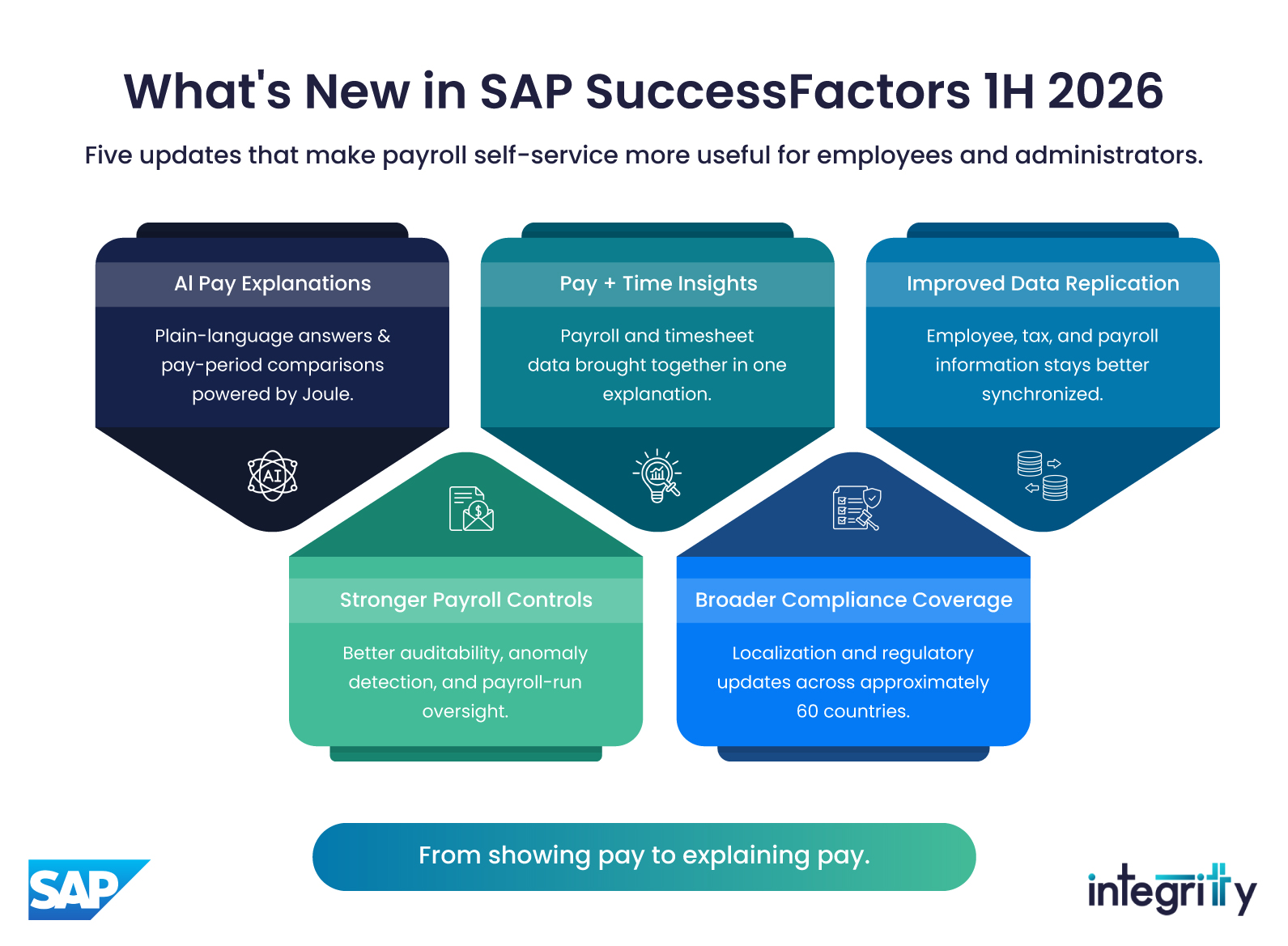
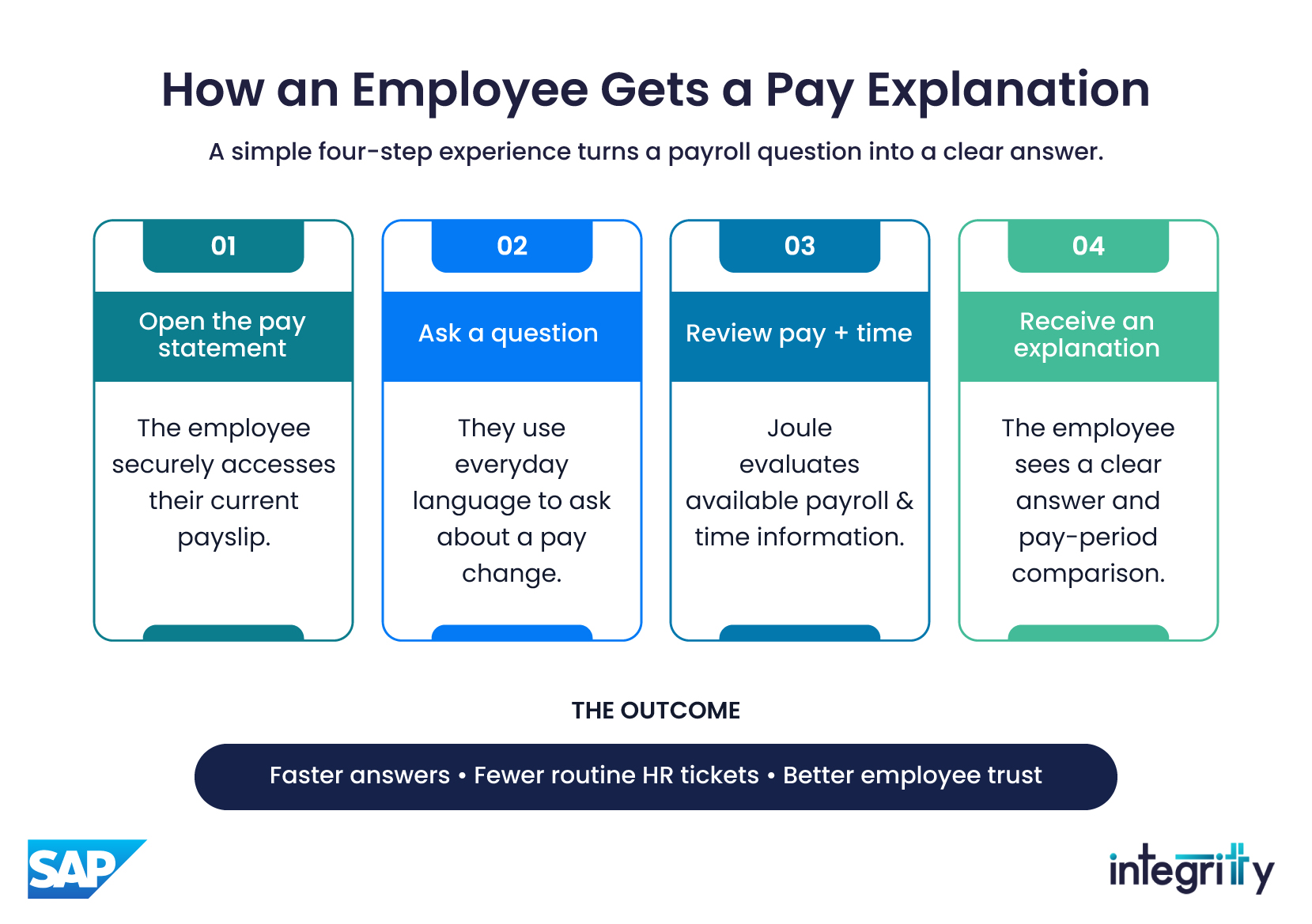
AI-powered pay explanations. The biggest addition is an expansion of Explain My Pay Statement, built on Joule, SAP’s AI copilot. Employees can ask questions about their pay in plain language and get an answer back, including how this pay period compares to the last one. SAP also added more language support here, including Portuguese for Brazil and English and French for Canada, so it’s no longer limited to a small pilot group of markets.
A combined view of pay and time. A related feature, the Payroll Explanation Agent, pulls payroll and timesheet data into one explanation. So instead of checking two systems to understand why a number looks the way it does, an employee sees both in the same place.
Better data replication. More information now moves automatically between Employee Central and Employee Central Payroll. Custom fields can replicate into core payroll infotypes, and for Canadian customers, TD1 tax compliance forms now flow straight from onboarding into payroll without anyone re-entering them. Fewer manual steps, fewer chances for something to fall out of sync.
Stronger Payroll Control Center tools. Administrators get better auditability and control during payroll runs, along with continued work on anomaly detection, catching issues before they ever reach an employee’s payslip.
Wider compliance coverage. Employee Central Payroll now handles local tax and regulatory compliance in roughly 60 countries, with legal changes tracked through the Regulatory Change Manager instead of someone having to monitor it manually.
Add it all up, and Employee Central Payroll has moved from a system that shows you your pay to one that can actually explain it.
How Integritty Implements This
Having the capability in the platform and getting it to work well for a specific client are two different things. This is usually where our work concentrates:
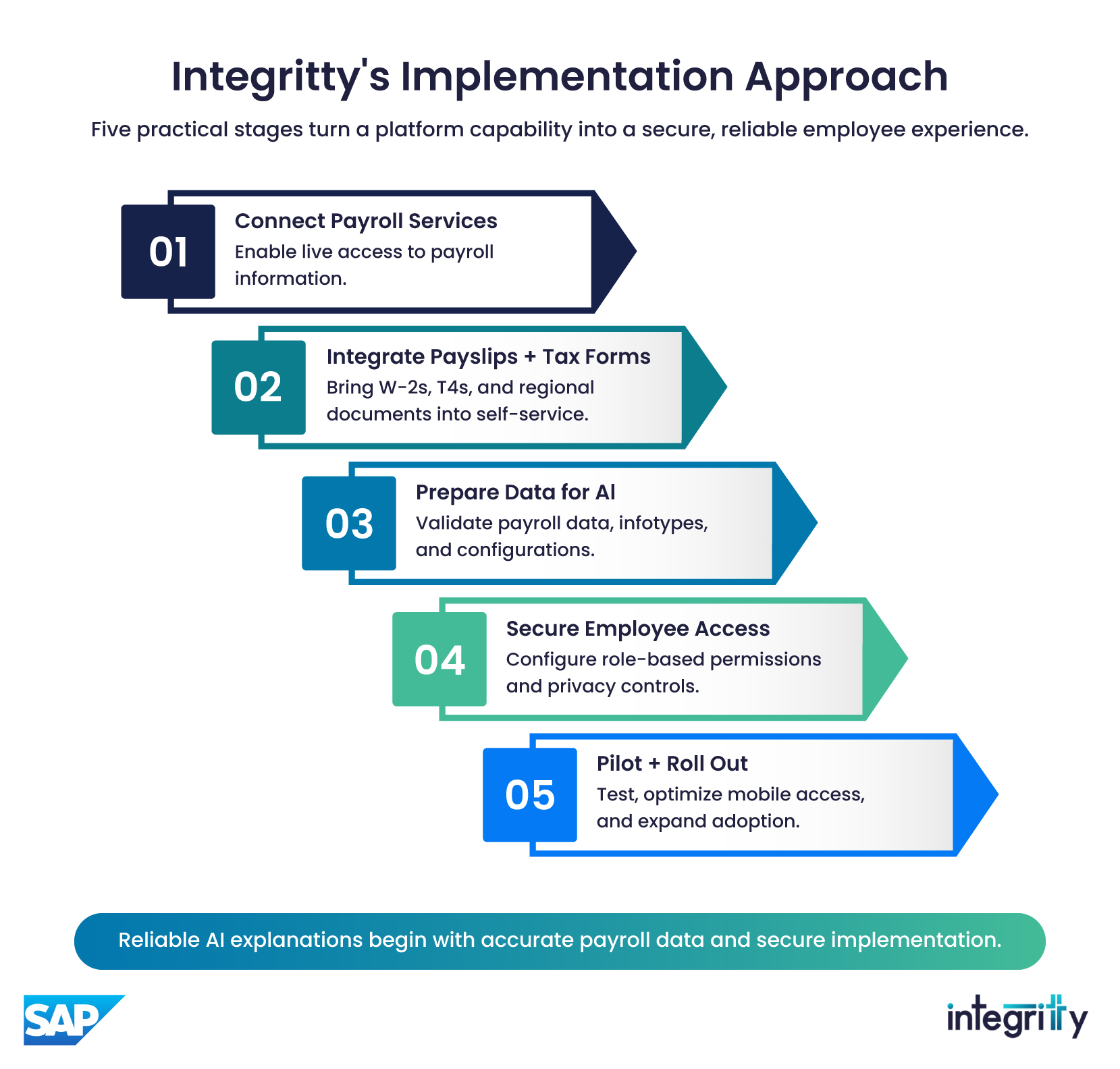
Turning on the core services. We enable the Pay Statement service in EC and connect it to the payroll backend, whether that’s on-premises SAP Payroll or Employee Central Payroll, so payslip data comes through live integrations rather than static file exports.
Connecting tax forms. W-2s, T4s, and other region-specific documents get linked from SAP Payroll into the EC front end, based on SAP’s guidance and adjusted for each client’s own configuration.
Making sure the AI actually works. Joule can only explain pay accurately if the underlying data is accurate. Before we turn this feature on for anyone, we check that the data model and infotypes behind it are clean.
Setting up access controls. Role-based permissions keep sensitive payroll data visible only to the people who should see it, in line with GDPR, HIPAA, and whatever other regional privacy rules apply.
Planning a sensible rollout. We usually start with a small pilot group, get the word out early so employees know the feature exists, make sure it works well on mobile, and automate access so it turns on and off correctly as people join or leave.
The Bigger Picture
Self-service payroll used to mean one thing: skip the HR ticket and pull up your own document. The 2026 release adds something on top of that. Now employees can ask what a number actually means and get a real answer back, in their own language, without waiting on anyone.
For HR and payroll teams, that’s the practical upside: fewer routine questions landing in the inbox, less time spent explaining basic pay details, and more room to deal with the issues that genuinely need a person’s attention.
If you’re planning an Employee Central Payroll rollout, or you’re already live and want to make use of what shipped in 2026, Integritty can help. Get in touch and we can talk through what it would look like for your organization.